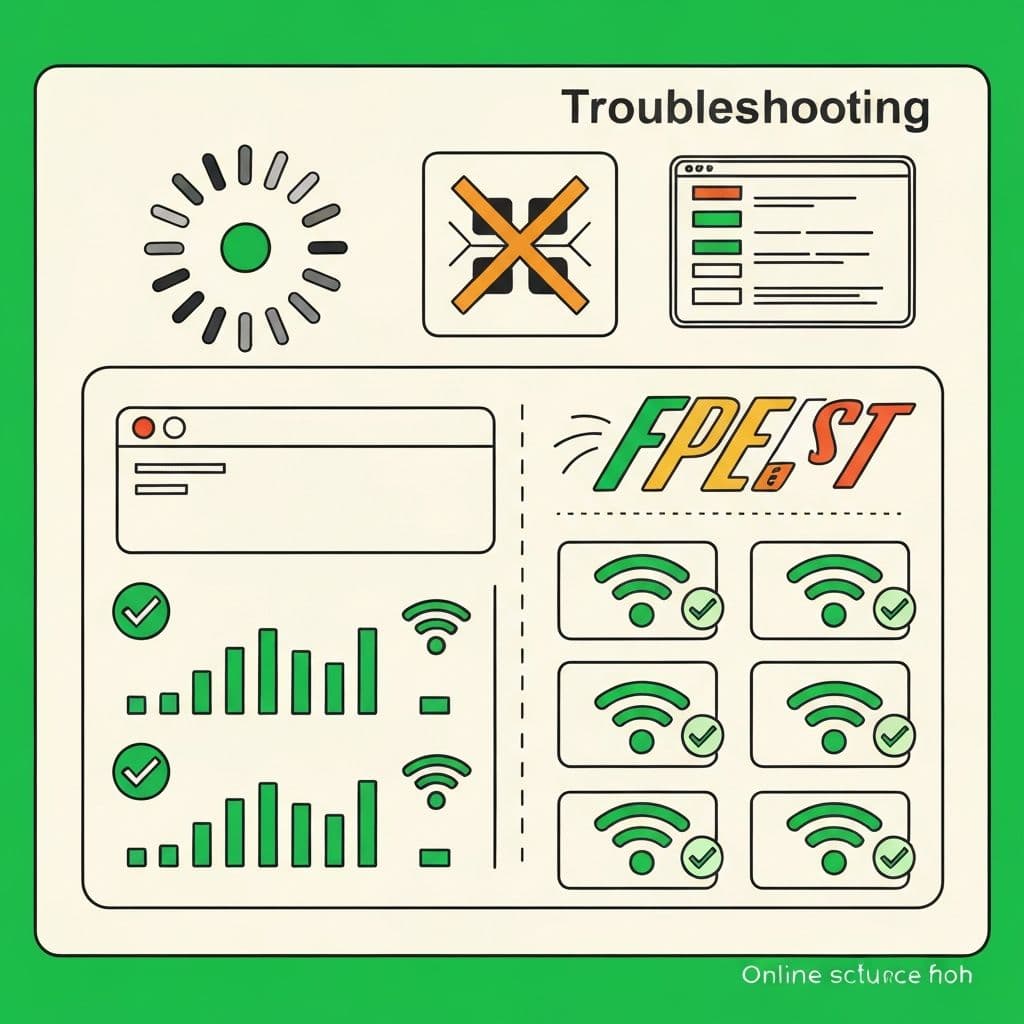
Understanding IPTV Buffering Issues
Buffering disrupts the best IPTV service experience. Understanding root causes helps implement effective solutions for smooth, uninterrupted streaming.
Common Causes of IPTV Buffering
Insufficient Internet Speed
IPTV requires consistent bandwidth. HD streams need 10+ Mbps and 4K streams require 25+ Mbps. Speeds below these thresholds cause buffering.
Network Congestion
Multiple devices consuming bandwidth simultaneously creates congestion. Other users streaming, downloading, or gaming impact IPTV performance.
WiFi Signal Issues
Weak WiFi signals, interference from other networks, and distance from routers contribute to buffering problems on wireless connections.
Device Limitations
Older devices with insufficient processing power struggle with HD/4K streams. Limited RAM and outdated hardware cause buffering.
Proven Solutions to Fix IPTV Buffering
Solution 1: Upgrade Internet Speed
Contact your ISP to upgrade to faster plans. Ensure minimum 25 Mbps for single device streaming, 50+ Mbps for multiple devices.
Solution 2: Use Wired Ethernet Connections
Connect streaming devices directly to routers via ethernet cables. Wired connections provide superior stability eliminating WiFi-related buffering.
Solution 3: Optimize WiFi Performance
Position routers centrally, reduce physical obstructions, and use 5GHz bands for faster speeds. Consider WiFi extenders or mesh networks for large homes.
Solution 4: Close Background Applications
Shut down apps consuming bandwidth—file downloads, cloud backups, other streaming services. Dedicate maximum bandwidth to IPTV streaming.
Solution 5: Restart Devices and Routers
Power cycle streaming devices and routers. Unplug for 30 seconds to clear temporary issues and reset connections.
Solution 6: Clear App Cache
Navigate to Settings > Apps > Your IPTV App > Clear Cache. Accumulated cache files slow performance causing buffering.
Solution 7: Lower Video Quality Settings
Temporarily reduce stream quality from 4K to 1080p or 720p. Most IPTV apps offer quality adjustment in settings.
Solution 8: Update Applications and Firmware
Keep IPTV apps and device firmware current. Updates include performance improvements and bug fixes reducing buffering.
Advanced Troubleshooting
Change DNS Settings
Switch to public DNS servers like Google (8.8.8.8) or Cloudflare (1.1.1.1). Faster DNS resolution improves connection speeds.
Use VPN for ISP Throttling
Some ISPs throttle IPTV traffic. Quality VPNs mask streaming activity preventing speed limitations.
Test Different Servers
Premium IPTV providers offer multiple servers. Test alternate servers if primary connections experience issues.
Choosing Reliable IPTV Providers
Service quality matters. The best IPTV service invests in robust infrastructure, redundant servers, and adaptive bitrate technology minimizing buffering regardless of conditions.
VistroTV's Anti-Buffering Technology
VistroTV utilizes advanced CDN networks, load balancing, and adaptive streaming ensuring 99.9% uptime with minimal buffering. Our infrastructure handles peak loads maintaining smooth playback.
Testing Your Setup
Run speed tests at speedtest.net during IPTV usage. Results should show consistent speeds matching your plan without significant drops.
Prevention Tips
Schedule large downloads during non-viewing hours, limit simultaneous streams to device capabilities, and perform regular network maintenance preventing future buffering issues.
Get Buffer-Free Streaming
Implement these solutions and choose reliable providers like VistroTV. Experience the best IPTV service with crystal-clear streaming free from frustrating interruptions.