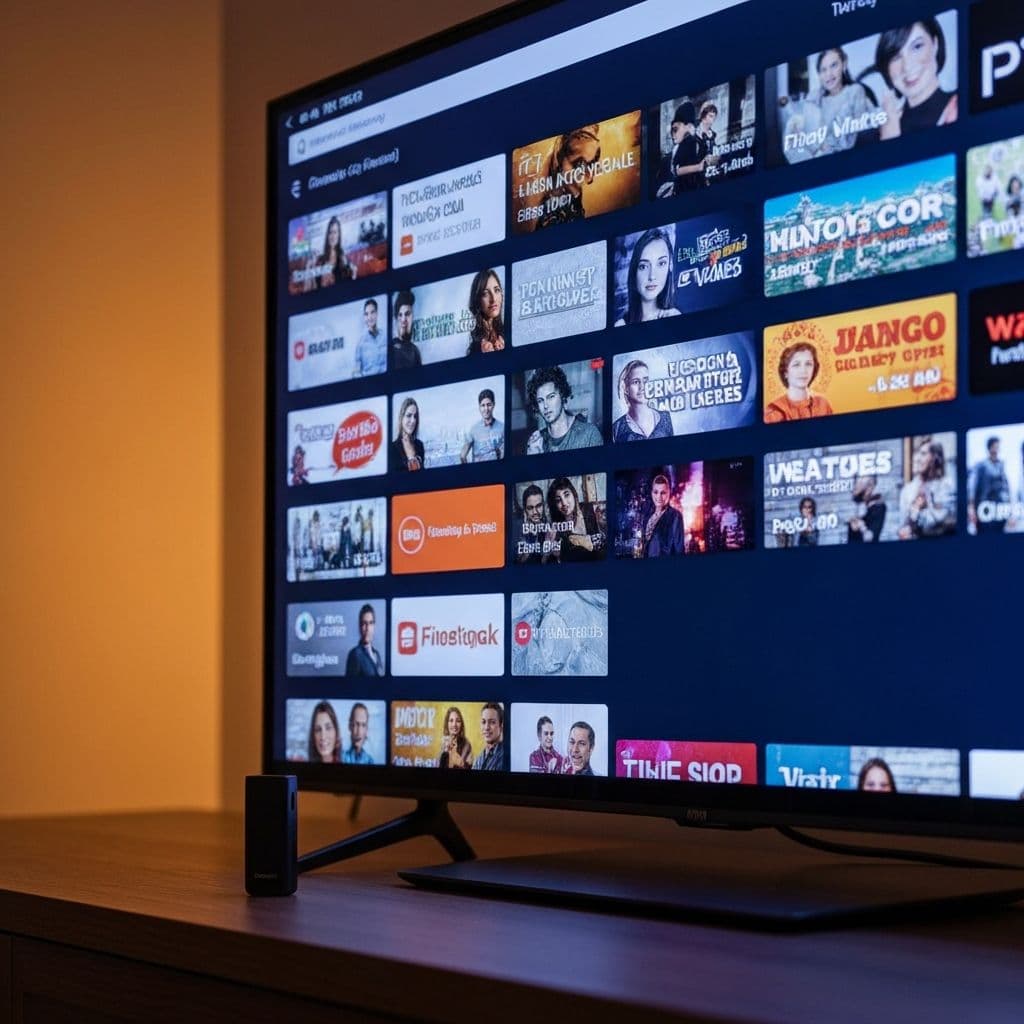
Setting Up IPTV on Your Firestick
Amazon Firestick is one of the most popular devices for IPTV streaming. This comprehensive guide walks you through setting up the best IPTV service on your Firestick in minutes.
What You'll Need
- Amazon Firestick or Fire TV device
- Stable internet connection (10+ Mbps recommended)
- VistroTV IPTV subscription
- Your IPTV login credentials
Step-by-Step Setup Instructions
Step 1: Enable Apps from Unknown Sources
Navigate to Settings > My Fire TV > Developer Options > Apps from Unknown Sources. Toggle this setting to ON. This allows installation of IPTV apps not available in the Amazon App Store.
Step 2: Install Downloader App
Open the Firestick home screen, search for "Downloader" in the search bar, and install the Downloader app. This free utility helps download and install IPTV applications.
Step 3: Download Your IPTV App
Open the Downloader app and enter the URL provided by your IPTV service provider. VistroTV customers receive a custom app link with their subscription. Click Download and wait for installation to complete.
Step 4: Install the IPTV Application
Once downloaded, click Install. The IPTV app will be added to your Firestick's app library. You can access it from the "Your Apps & Channels" section.
Step 5: Enter Your IPTV Credentials
Launch the IPTV app and enter your login credentials (username, password, and server URL) provided by VistroTV. These details activate your subscription.
Step 6: Start Streaming
After logging in, browse through 30,000+ channels organized by category—sports, movies, entertainment, international, and more. Select any channel and start streaming in crystal-clear quality.
Optimizing Your IPTV Experience
Improve Streaming Quality
For best performance, connect your Firestick via ethernet using an adapter, or ensure strong WiFi signal strength. Close background apps to free up memory.
Organize Your Favorites
Most IPTV apps let you create favorite channel lists. Organize frequently watched channels for quick access.
Enable Parental Controls
Protect children by enabling parental controls in your IPTV app settings. Set PIN codes to restrict access to adult content.
Troubleshooting Common Issues
Buffering Problems
If experiencing buffering, check your internet speed, restart your Firestick, or switch to a lower video quality setting temporarily.
App Crashes
Clear app cache by going to Settings > Applications > Manage Installed Applications > [Your IPTV App] > Clear Cache.
Login Issues
Verify your credentials are correct. Contact VistroTV's 24/7 support team if you continue experiencing login problems.
Why Use VistroTV on Firestick
VistroTV offers the best IPTV service optimized for Firestick devices. Benefits include dedicated Firestick apps, 4K streaming support, instant activation, and reliable 99.9% uptime.
Get Started Today
Setting up IPTV on Firestick takes less than 10 minutes. Start your free trial with VistroTV and enjoy unlimited entertainment on your favorite streaming device.